Zoho Books
Zoho Books is a powerful cloud-based accounting solution ideal for freelancers, startups, and growing businesses. It offers automation, invoicing, bank feeds, inventory, client portals, and seamless integration with the entire Zoho ecosystem.
Pros
- Affordable pricing
- Beautiful, intuitive interface
- Strong automation tools
- Excellent invoicing system
- Deep integration with Zoho apps
Cons
- Payroll available only in limited regions
- Not ideal for large enterprises
- Some advanced features require add-ons

What is Zoho Books?
Zoho Books is a comprehensive online accounting software built for small businesses looking to automate financial workflows. Its features include invoicing, bank reconciliation, project billing, reporting, inventory, and client collaboration tools.
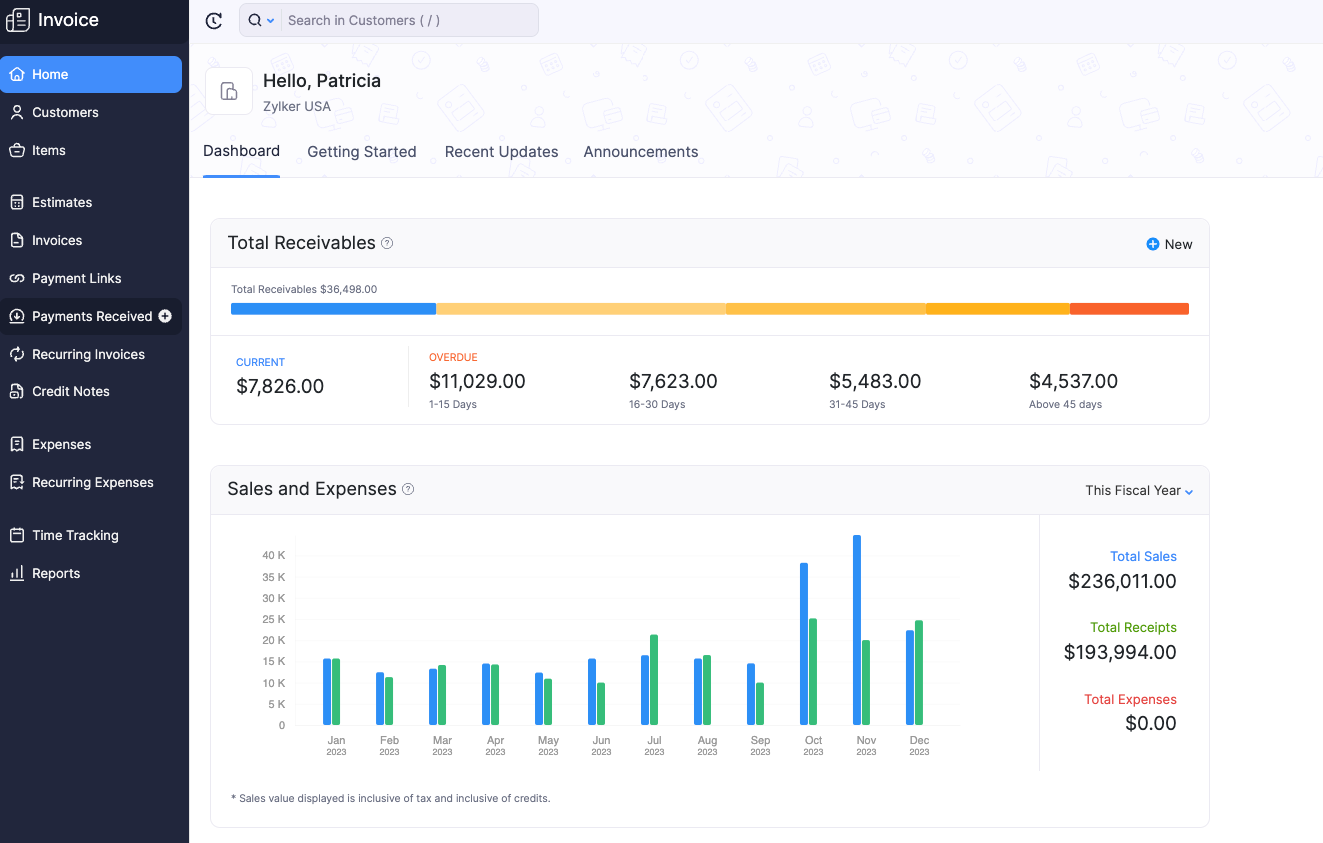
Is Zoho Books Legit?
Yes — Zoho Books is trusted worldwide and is part of the larger Zoho Corporation suite, which serves over 100 million users globally. It maintains high standards of security, privacy, and compliance across multiple currencies and regions.
 Visit Zoho Books
Zoho Books Pricing
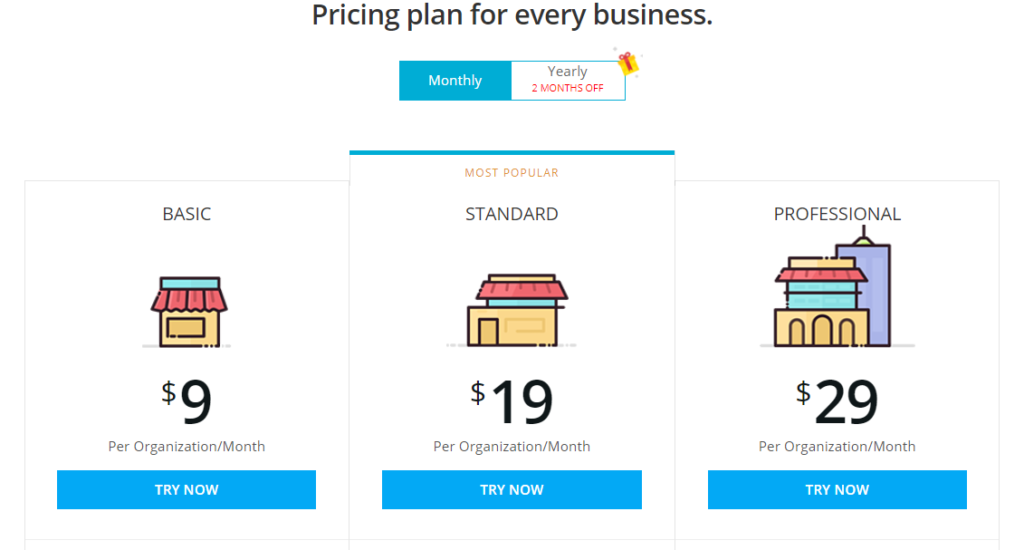
Zoho Books offers one of the most affordable pricing structures in the accounting software market.
| Plan | Price | What’s Included |
|---|---|---|
| Free Plan | $0 / month | Invoicing, expenses, client portal, bank feeds |
| Standard | $20 / month | 5 users, bills, vendor portal, reporting, projects |
| Professional | $50 / month | 10 users, inventory, purchase orders, sales orders |
| Premium | $70 / month | 10 users, advanced automation, multiple branches |
What Is Included in Zoho Books Plans?
All Zoho Books plans include the core accounting tools that small businesses need: invoicing, expenses, projects, banking, and client portals. Higher-tier plans give access to inventory, automation, multi-branch management, and deep analytics.
Zoho Books Features
| Feature | Description |
|---|---|
| Smart Invoicing | Create, customize, and automate recurring invoices. |
| Bank Reconciliation | Automatic transaction matching and categorized rules. |
| Expenses & Bills | Track bills, scan receipts, and manage payables. |
| Inventory Management | Control stock levels, SKU tracking, and adjustments. |
| Projects & Time Tracking | Bill clients for hours worked or project milestones. |
| Client Portal | Clients can approve quotes, pay invoices, and view statements. |
| Automation | Workflow rules for approvals, reminders, and triggers. |
| Mobile App | Manage finances on the go with a top-rated mobile app. |
Notable Features
- Deep Zoho Ecosystem Integration – CRM, Projects, Inventory, Workflow
- Free Plan accessible to small businesses under revenue limits
- Client Portal + Online Payments
- Automated Workflows with 10+ triggers
- Multi-Branch Accounting (Premium plan)
- Multi-Currency Support
Zoho Books Support Offering
Zoho Books offers email support, knowledge base, live chat in select regions, and a robust community forum. Users also gain access to webinars, tutorials, and the broader Zoho ecosystem support.
User Review Highlights
- Ease of Use: Very smooth and user-friendly
- Automation: One of the strongest in its category
- Value: Users love the price-to-feature ratio
- Mobile App: Top-rated and very responsive
- Support: Good, though not always instant
How Zoho Books Compares to Other Platforms
| Feature | Zoho Books | QuickBooks | Xero |
|---|---|---|---|
| Ease of Use | ★★★★★ | ★★★★☆ | ★★★★★ |
| Pricing | $ | $$$ | $$ |
| Automation | ★★★★★ | ★★★☆☆ | ★★★★☆ |
| Best For | Small + Growing Businesses | Growing Companies | SMBs |